From the sale
to the fiscal receipt.
A common order structure, via file or API, for different fiscal equipment.

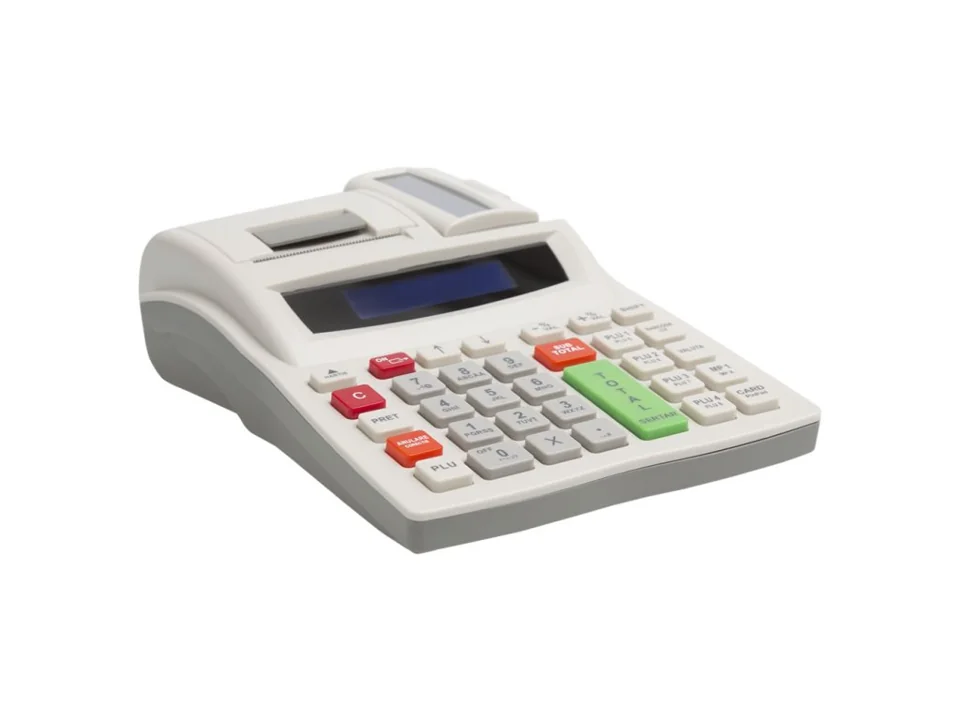
Fiscal equipment. Bank POS terminals. Weighing scales.
Connected to your application via FiscalNET.

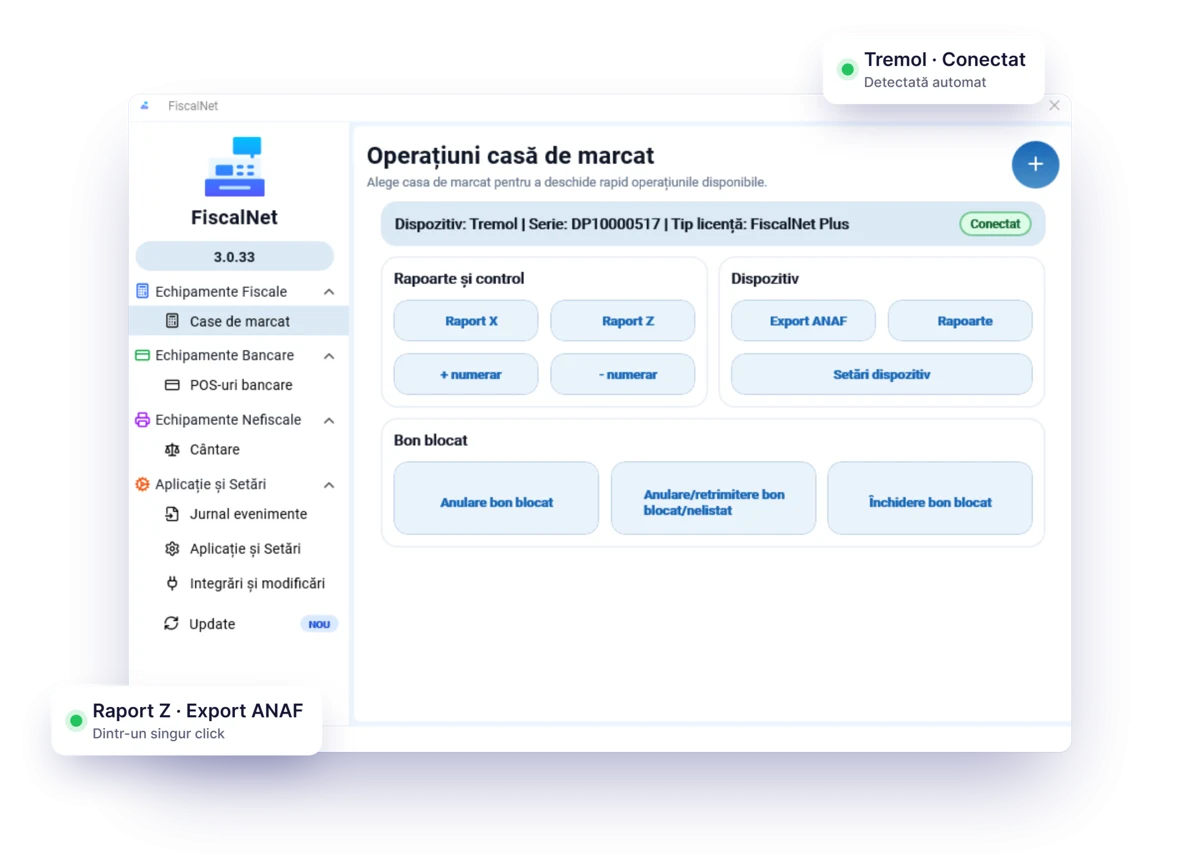
FiscalNET V3 establishes the connection between the sales application and the fiscal equipment. From the interface, you have access to devices, reports and operations, depending on the model and licence.
A common order structure, via file or API, for different fiscal equipment.
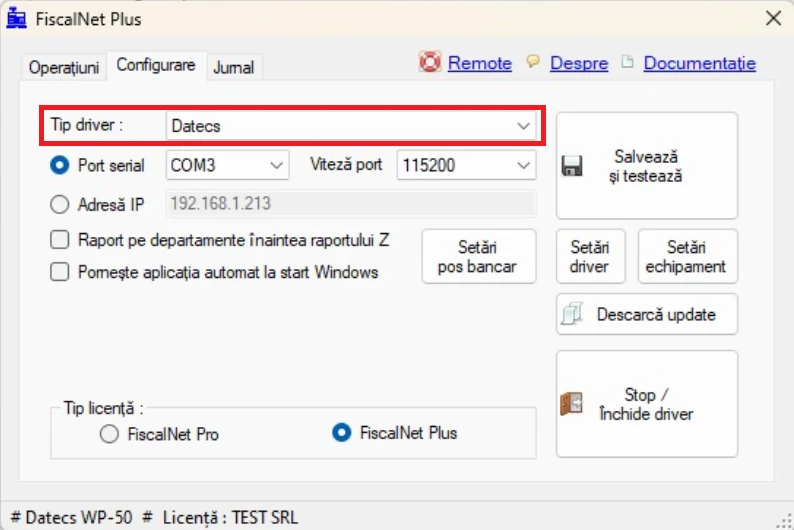
In FiscalNET V3, you manage the equipment and application settings from the side menu. The connection is configured according to the model.
In FiscalNET, you have access to Raport X, Raport Z, Export ANAF, reports from the electronic journal (JE) and the report from the fiscal memory (MF), depending on the connected equipment.
V3 is available for Windows and Android. The image shows the Windows interface; functions depend on the equipment and version.
FiscalNET PLUS connects the sales application to the bank POS and the compatible weighing scale, depending on the platform and integration.
FISCALNET PLUSFrom your application, through FiscalNet, to the fiscal equipment. Track the order, printing and confirmation, step by step.
Complete workflow in 5 seconds. You can also choose each step.
Visual simulation · no real receipts or payments.
The available functions depend on the equipment and integration used.
FiscalNET V3 · Functions vary depending on the equipment and licenceAre you already using FiscalNET, or are you preparing for your first installation? Find the kit and guides that match your version and discover what’s new in V3.
A new interface, detection of compatible equipment, and management of multiple devices. Functions vary depending on the platform, model and licence.
The Windows kit and the V2 guides remain readily available for the configuration you are using. Prepare for the transition to V3 together with the provider of the sales application.
Windows and Android use an integrated web server, with calls made via POST. Windows also retains file-based integration in the Bonuri folder. For web applications, call the local service from the browser of the device with FiscalNET.
POST http://localhost:65400/api/Receipt
Content-Type: application/json

// Aplicația trimite comenzile
// FiscalNet comunică cu echipamentul
// Rezultatul revine către aplicație

Aplicație → FiscalNet → Echipament
Illustrative workflow · Complete examples can be found in the documentationConnection to the fiscal equipment.
Fiscal receipts, bank POS and weighing scales.
Licence without annual renewal.
The available functions depend on the equipment and the licence chosen.
FiscalNET connects the sales application with compatible fiscal equipment. The PLUS Edition adds integration with bank POS terminals and compatible weighing scales. The model and connection are checked before installation.
Yes, there are versions for Windows and Android. The equipment models, connections and available functions may differ. Check the equipment and the correct version before purchase.
PRO provides the functions for communicating with fiscal equipment. PLUS adds integration with bank POS terminals and compatible weighing scales. Confirm the model, connection, and integration of the sales application.
Yes, if you keep the same fiscal equipment and the same CUI. The licence is linked to the serial number of the fiscal equipment and the company's CUI (Tax Identification Number) and can be reactivated automatically after reinstallation or changing the computer. It cannot be transferred to another fiscal device or to another CUI.
Download FiscalNet and configure your equipment.