Fiscal receipts
You print receipts on compatible cash registers and fiscal printers. The same driver, the same file structure.

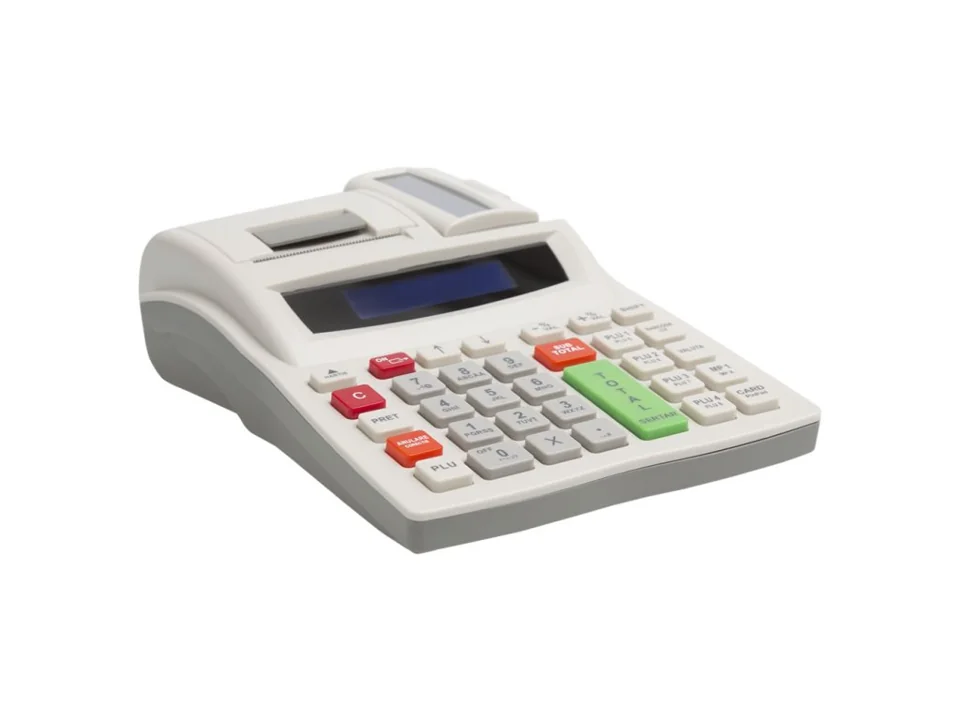
FiscalNET connects your sales, inventory or ERP application to compatible cash registers and fiscal printers. The application sends commands, and FiscalNET communicates with the device.
You print receipts on compatible cash registers and fiscal printers. The same driver, the same file structure.
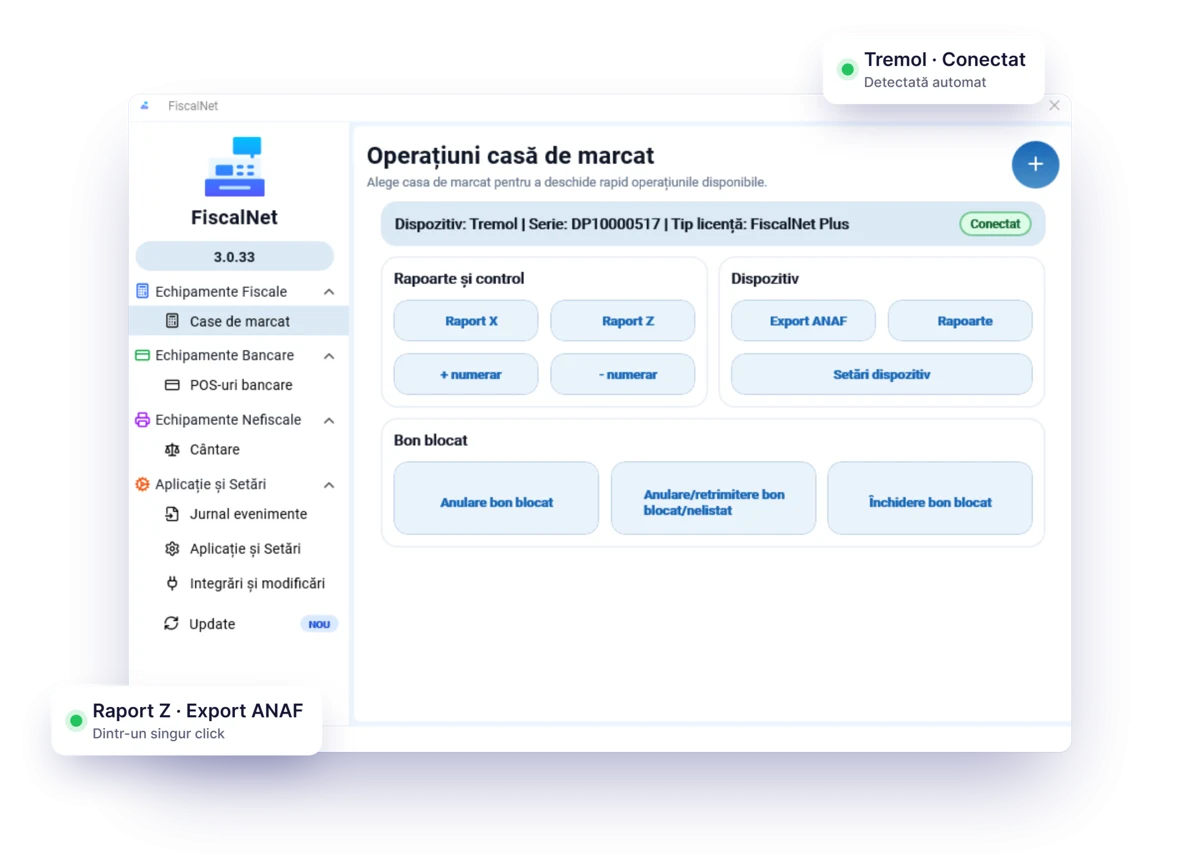
In FiscalNET, you have access to Raport X, Raport Z, Export ANAF, JE reports and MF report, depending on the connected equipment.
COM, USB, Bluetooth or network. You configure the port, speed or IP address, depending on the equipment and platform.
You configure the email addresses for sending XML files to the accounting department.
Cash deposits and withdrawals from the driver interface or via commands. The display of the balance depends on the model.
The file is checked before submission to identify syntax issues.
You receive information about the result and the receipt number. Your application can track the operation.
An application designed for low resource consumption, which uses the libraries provided by equipment importers.
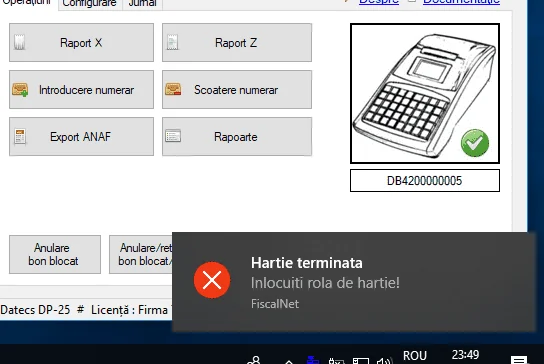
Warnings about paper, fiscal memory, electronic journal, or exceeding the Z report interval, depending on the model.
The licence is linked to the serial number of the fiscal equipment and the company’s tax code. It can be reactivated automatically after reinstalling the system or moving to another computer.
On Windows, you can work via files. There is compatibility with FPrint/SellText commands; the FiscalNet format is recommended for full functionality.
Integrate a compatible bank POS terminal and scale readings into your sales application. Both functions require FiscalNET PLUS and appropriate integration.
Download FiscalNet and configure your equipment.