
Vânzări și echipamente.
Într-un singur loc.
FiscalNet transmite datele din punctele tale de lucru către Cloud. Tu consulți vânzările, documentele fiscale și starea echipamentelor din browser, oriunde ai internet.
60 de zile de trial · Vezi modulele și condițiile
 FiscalNetCloudVânzări și echipamente, online
Your customers’ equipment in one service workspace
Monitor devices belonging to clients who have granted you access, without access to their receipts or sales dashboards.
Access becomes active after the client’s invitation is accepted by the service provider.
The service provider creates its own account, subject to administrative validation. Available data and operations are limited by the client’s permissions and active modules.
Access granted by the customer
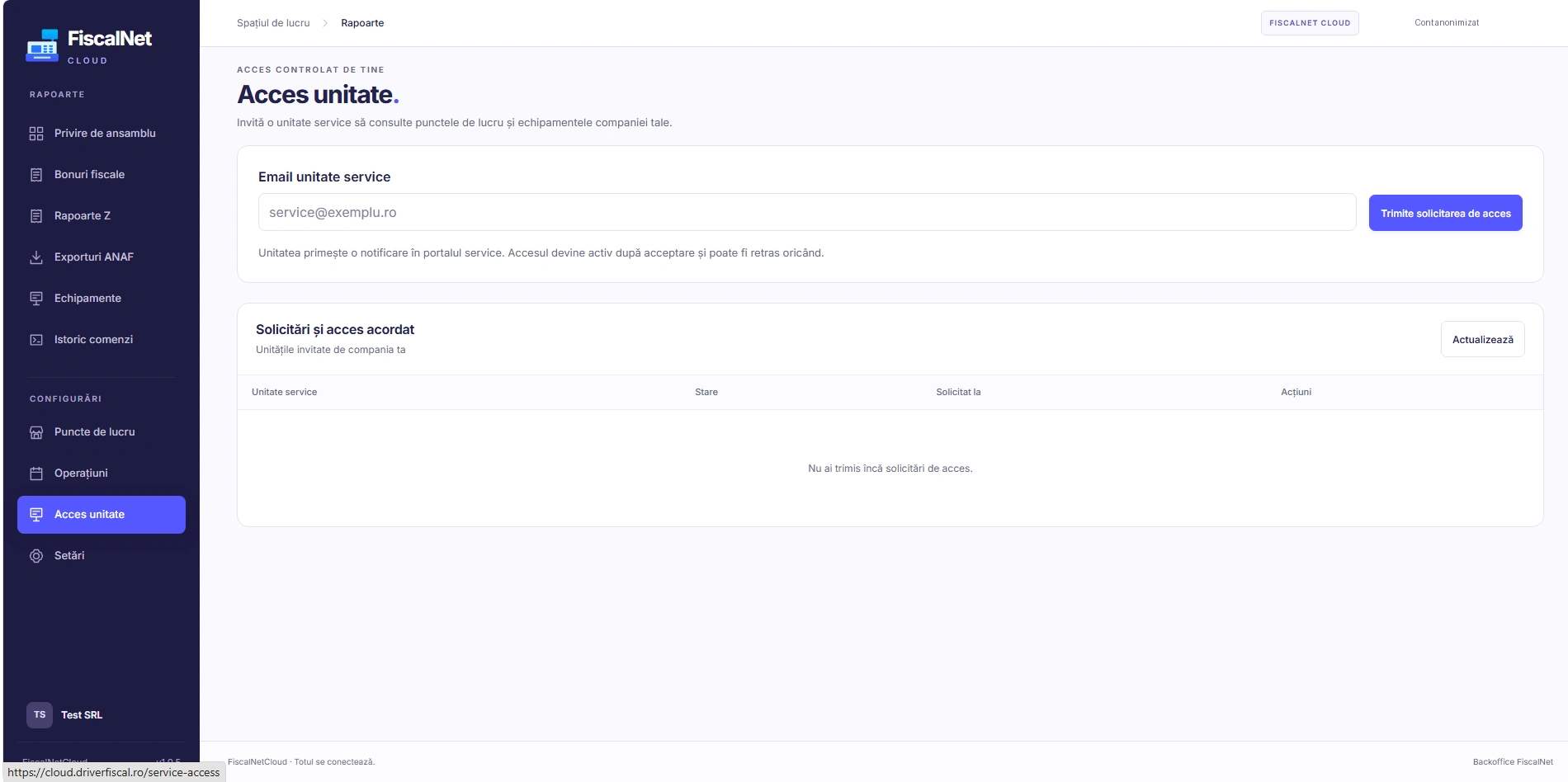
The customer invites the provider by email from “Service access”. Access starts after acceptance and can be revoked. Provider registration requires a company registration document and administrative validation.
În contul companiei, deschide „Acces unitate” și trimite invitația la emailul firmei de service. Accesul începe după acceptare. Clientul poate retrage ulterior accesul.
Equipment, errors and interventions
Filter equipment by customer and location. Customer records open in internal tabs while the service dashboard stays available. View equipment information and compatible operations; reports respect the customer’s modules.
Operations depend on the model, driver, FiscalNet version, permissions and connection. Direct commands require FiscalNet online; instant execution is not guaranteed. A Z report closes the fiscal day.
Service access boundaries
The service provider has no access to receipts or sales dashboards. It cannot administer keys, enroll devices, manage customer users or change the equipment’s location.